Privacy
Your classroom data stays with you.
Plainly: what Muraqib stores, where it stores it, what the app sends from your computer, what the optional AI tools send if you switch them on, and what stays outside the UAE.
 Muraqib, on your computer
Where your records live
Muraqib is a program on your computer, not a website. Your classes, students, marks, attendance, notes and plans are kept in one database file in your user folder on that computer.
Muraqib also derives facts from those records - such as a run of absence or a change in average between terms. The ones you choose to keep are stored in the same file, on the same computer; one you turn down is recorded there too, marked as turned down, so that it is not offered again.
There is no Muraqib account to sign up for, and no copy of your class on our servers. The Help menu shows exactly which folder your records are in.
What leaves your computer
- A check for updates
- The app asks GitHub, where Muraqib's releases are published, whether a newer version exists. It sends no student data. As with any web request, GitHub sees your computer's internet address.
- The Pro key check, only if you add Pro
- The app sends the Pro key and a random ID made on your computer to a server run by Rashid Alnaqbi General Trading on Cloudflare, so a key can't be shared across many laptops. The key itself carries the name it was issued to and an order number. That server sees your computer's internet address, as GitHub does. Nothing else is sent. Without internet nothing changes that day; the key needs to reach this server at least once every 30 days, or the paid documents pause until it does. The server keeps this computer's random ID beside the order number until you remove the key from this computer or move it to another one, and, if the key has ever been moved, the date of the last move; it keeps no other record of the request.
- Usage counts, while switched on
- While 'Share usage counts with Muraqib' is on in Settings, the app sends which screens are opened, how long it stays open, the size and cost of AI requests, the kind of any error, the app version and whether it is Muraqib or Muraqib Dev, and a random ID made on your computer, to a server run by Rashid Alnaqbi General Trading on Cloudflare. Every field is a fixed word or a number, so none can hold a name, a mark, a note or anything typed. It is on unless you switch it off in Settings. Switching it off stops it and deletes whatever had not yet been sent.
- An AI request, only if you switch it on
- Muraqib has three optional AI features: a draft of the week's lesson plan, filling in the empty boxes of a plan you have started, and a clearer wording for a comment that is already written. All three are off until you switch them on, all three can be switched off again in Settings, and all three need Muraqib Pro. The screen that switches them on explains what they do and what they send, and 'How Muraqib AI works', opened from that screen and from Settings, sets it out in full. A draft of the week sends the subject, the grade, the week's title, the learning objectives, what this week covers, the options you ticked, last week's activity columns and ticks, and your request. Filling in blanks sends the subject, the grade, the week's title, the learning objectives, what this week covers and the options you ticked, with the printed name of each box to be filled; what you have written in the other boxes is not sent. If you ask it to redo boxes you have already written, it writes fresh drafts over the top, and an Undo puts them back. Muraqib never takes a pupil's mark, label, attendance or support plan from your register for them, and never sends the register. A comment is sent as it stands in its box: an average, an absence count, a support sentence or an observation that a Muraqib comment starter put there, and that you left in, is sent with the rest. Before a comment is sent, the pupil's recorded English name, recorded Arabic name and code are replaced on your own computer, and the recorded name of a classmate in the same class named in it is replaced too; recorded names of that class are also removed from every lesson box you typed into that can be sent - the week's title, the learning objectives, what this week covers, last week's activity columns and the request box. A name Muraqib has not recorded for that class - a nickname, a sibling, a misspelling, a pupil in another class - cannot be recognised and is not removed, and neither is a middle name written on its own, such as a father's name; so do not type one. The licence key and this computer's random ID go to the server, as in the key check. The request goes to a server run by Rashid Alnaqbi General Trading on Cloudflare, which is written and configured to keep neither the request nor the answer, with its logging switched off, and passes it to Anthropic's Claude API. Anthropic handles the request under its commercial terms, outside the UAE, and may keep it for up to 30 days; Muraqib has no zero-retention agreement with Anthropic. Anthropic never receives the licence key or the computer's ID, and Muraqib adds neither your name nor a pupil's name or code to a request; a name that is in the text itself and is not recognised by the removal above is sent with it. The AI never approves anything. A draft and a filled-in box wait for you to use them; asking it to improve a whole class of comments at once writes them as drafts, undone in one press, and each still waits for your approval. Everything it writes is yours to read, edit or discard; it never approves a comment, changes a mark or an attendance mark, or makes a decision about a pupil.
That is all. Muraqib has no third-party analytics and no tracking across apps or websites, and it does not send your class anywhere. A link you click, or a suggestion you email, opens in your own browser or email program.
Outside the UAE
GitHub (the update check), Cloudflare (the licence server and any AI request) and Anthropic (the AI answer) run their servers outside the UAE, including in the United States. None of them receives your register. What each can see is listed above: your computer's internet address, the licence key with the name it was issued to, and, for an AI request you switch on, the lesson text or the comment as it stands in its box, with the names recorded for that class taken out first. Anthropic never receives the licence key or the computer's ID, and Muraqib adds neither your name nor a pupil's name or code to a request.
Private by default
A new install shows every student as an anonymous code, such as ST-4X2K. Names appear only after you choose to show them and confirm a short warning. One click puts the codes back.
Reports and exports follow the same setting, so a file you share can carry codes instead of names. The one exception is the full export of everything: it always includes names, because it exists to restore your records or move them to a new computer.
Locked when you step away
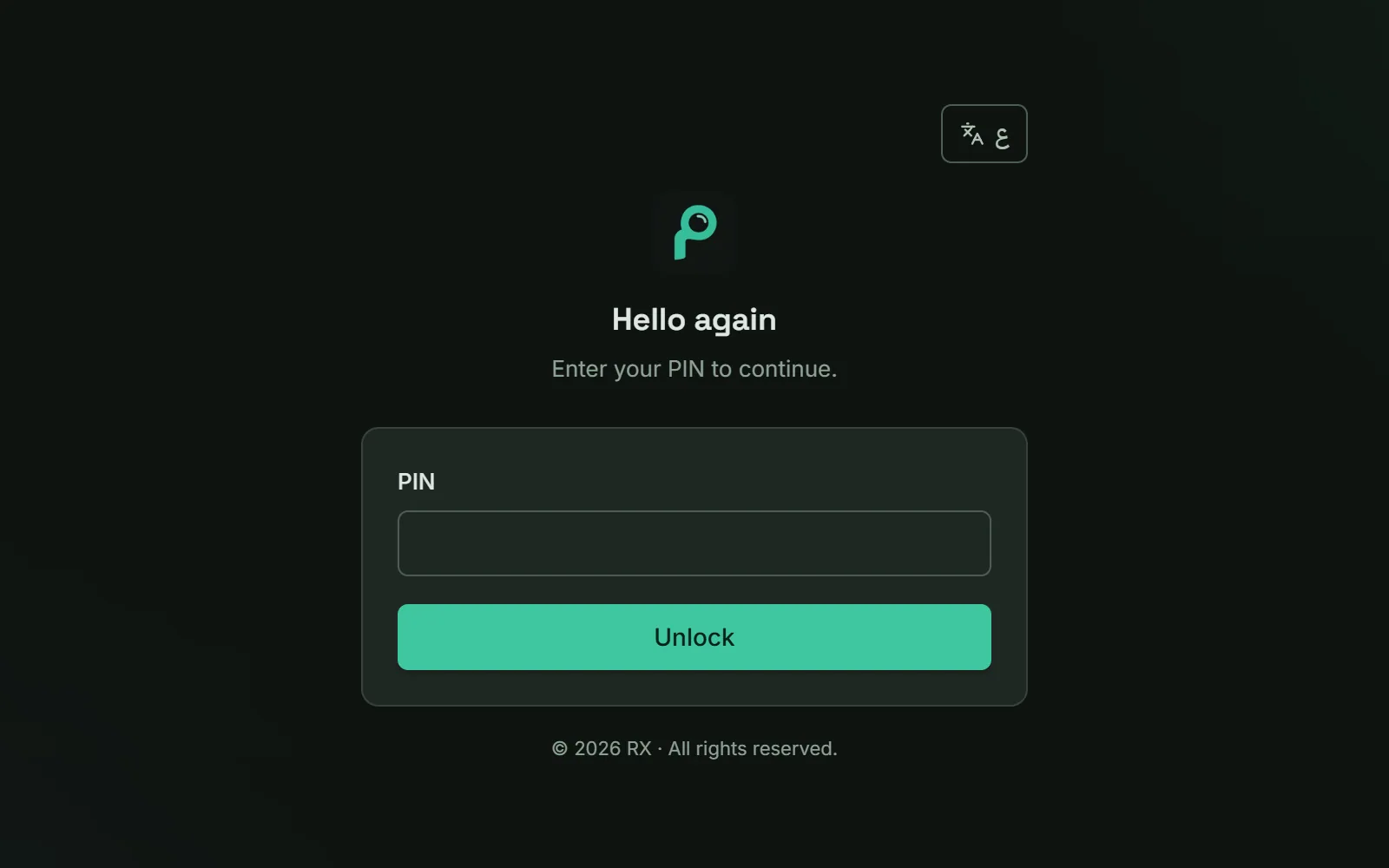
A PIN of 6 to 12 digits opens the app. It locks itself two minutes after all its windows close, and after a quiet spell you choose: 5, 10 or 15 minutes. Too many wrong PINs lock it for a while.
If you forget the PIN, a separate recovery key lets you back in. Muraqib shows the recovery key once when you set up protection, so keep it somewhere safe.
The PIN controls who opens the app; it is not the key that encrypts your data. After a one-time protection step, your records live in an encrypted file on this computer, and a new install won't store a class until that step is done. The next section explains what that means for your copies.
Copies on this computer
Muraqib makes an encrypted copy of your records each time the app opens (not if one was made in the last hour), and keeps one copy a day for the last 14 days you used it, all on this same computer. It also takes a safety copy before restoring a backup, starting fresh, clearing the demo classes, an update that changes the database, and moving to a new school year. A deleted student goes to the recycle bin first, and deleting an assessment asks you to confirm.
Keep a copy on a USB too. You can back up at any time, save a portable encrypted copy (.mqb) to a USB stick, or export everything to one plain file to move to a new computer. Restoring the encrypted backup on another computer needs your recovery key, so keep it safe and separate from the backups; the plain export opens without it.
Uninstalling Muraqib does not delete your records: the folder with the database, its backups and the PIN file stays, so a reinstall finds your work. To remove everything, uninstall, then delete the folder the Help menu showed you.
What we won't claim
No software is unbreakable, and we won't say otherwise. Keeping records on your computer means their safety also depends on that computer: its password, its updates and who uses it.
Muraqib encrypts its data file after the one-time protection step, and its internal backups too. That protects the file at rest, but its safety still depends on the computer and on your recovery key: if you lose both this computer's access to the key and your recovery key, the data can't be recovered - not even by us. Turning on your computer's own disk encryption (BitLocker) and an account password adds a further layer.
Suggestions Muraqib drafts - comment starters, reminders, AI drafts where switched on - are drafts for you to read and change, not decisions about a pupil. Nothing drafted reaches a report or a parent unless you put it there or generate the report that shows it.
Information about pupils
Muraqib holds information about your pupils, most of whom are children, because you record it. There are no pupil accounts, no parent accounts, no portal, no messaging and no shared class online. Muraqib does not upload or send your register to Rashid Alnaqbi General Trading: nothing of it leaves your computer. The one way pupil information could reach a server run by Rashid Alnaqbi General Trading is in an optional AI request you send yourself - a lesson request, or a comment you ask it to reword - with the recorded names of that class taken out first, where it passes through unstored, as described above. Under your school's rules and UAE data protection law, the school and you decide what is recorded and are responsible for it. Record what you need for teaching, keep names as codes where you can, and remove a class when you leave.
We do not describe Muraqib as 'UAE compliant'. Compliance belongs to the school and the teacher as the people responsible for the records. Muraqib is built so that its maker never holds your register; whether its maker counts as a processor for text typed into an optional AI request is a question for the school's legal adviser, not a claim we make either way.
Using Muraqib at school
Practical guidance, not legal advice.
- Check with your school first
- Schools set their own rules for apps and devices. Check with yours, or get its approval, before keeping a class in Muraqib.
- Keep names hidden
- Leave students as codes unless you need their names.
- Protect the computer
- Turn on BitLocker or FileVault, and use an account password.
- Share files with care
- Don't send exports through WhatsApp or personal email.
- Child-protection concerns
- These belong in your school's own process, not in Muraqib.
- Leaving the school
- Remove the class's data from Muraqib when you leave.
Who is responsible
Muraqib is published by Rashid Alnaqbi General Trading, Abu Dhabi, United Arab Emirates. For any question about your data or this page, write to [email protected].
Keep the teaching. Lose some of the admin.
Attendance, marks, observations, support and reports in one place, on your own computer.